
Can a Linux Home Server Boost Your Business Efficiency?
Can a Linux Home Server Boost Your Business Efficiency?
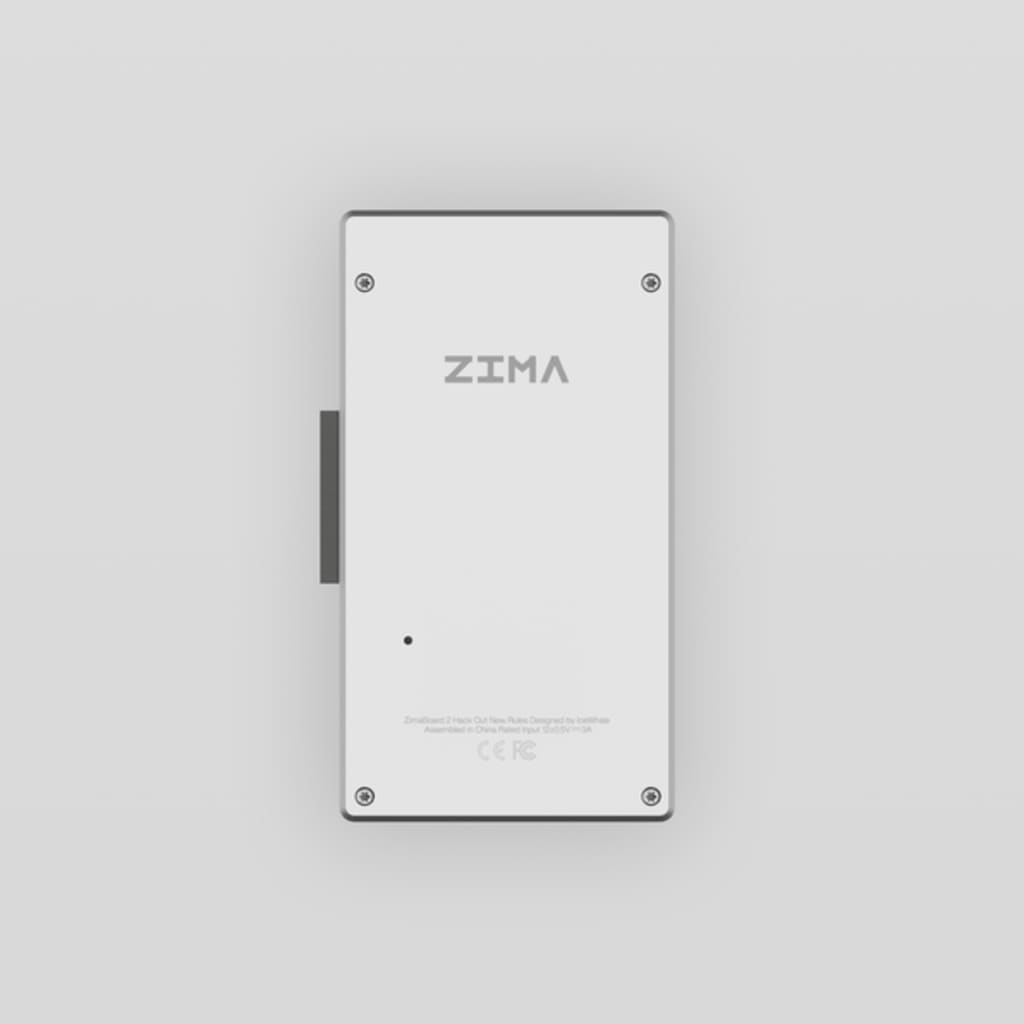
Small businesses today face a constant struggle with data management costs and security concerns. Cloud subscription fees pile up month after month, while questions about data privacy and control linger in the background. A Linux home server offers an alternative approach that can reduce recurring expenses while giving businesses full ownership of their data. Paired with modern, user-friendly NAS hardware and an intuitive Linux-based operating system, private cloud deployment is now accessible to small organizations without dedicated IT teams. This article explores how setting up a Linux home server can enhance business efficiency, reduce operational costs, and improve data control. It explains why this approach makes sense for small businesses, outlines a practical setup process, and highlights the operational benefits that can result.
Why a Linux Home Server Is a Game-Changer for Small Businesses
Small businesses are increasingly burdened by escalating cloud subscription costs and limited control over their critical data. As teams grow and storage needs expand, monthly fees can quickly exceed budget expectations. Linux home servers provide a viable alternative that addresses both financial and operational challenges. Built on open-source technology, Linux delivers enterprise-grade security without licensing fees, while its flexibility allows businesses to tailor systems to their exact needs. Unlike public cloud services that rely on rigid pricing tiers and predefined feature sets, a Linux-based private cloud offers direct control over infrastructure and data sovereignty.
This approach is particularly relevant as remote and hybrid work become standard. Businesses require reliable systems that support secure access from multiple locations and can scale gradually over time. A Linux home server allows organizations to add storage, deploy new services, and adjust resources as operations evolve, without incurring ongoing subscription costs. For small businesses focused on long-term sustainability, self-hosted private cloud infrastructure represents a practical investment in cost control, flexibility, and data security.
Understanding ZimaCube as a Private Cloud NAS Solution
ZimaCube is an example of a modern network-attached storage device designed to simplify private cloud deployment for small businesses. Traditional enterprise NAS systems often require significant budgets and specialized technical knowledge, whereas newer devices focus on balancing capable hardware with accessible setup processes. ZimaCube supports multiple drive bays for scalable storage, sufficient processing power for multiple users, and standard network connectivity that integrates into existing office environments.
Running on a Linux-based operating system, the platform supports common server functions such as file sharing, automated backups, and application hosting. The operating system emphasizes graphical management tools to reduce reliance on command-line configuration, enabling business owners to manage users, permissions, and services more easily. Support for containerized applications allows businesses to host internal tools locally, while built-in security features and remote access options help teams stay connected and protected.
Step-by-Step Guide: Setting Up a Linux Home Server for Business Use
Pre-Setup: Planning Your Deployment
Before deployment, assess your organization’s storage and access requirements. Review current data volumes and estimate future growth, allowing additional capacity for expansion. Identify which employees need access and determine appropriate permission levels. Confirm that your network infrastructure can handle additional traffic and choose a physical location with adequate ventilation and stable power. Planning these elements in advance helps ensure a smooth transition from external cloud services to a private server environment.
Step 1: Hardware Assembly and Initial Configuration
Install hard drives or SSDs into the NAS device according to the manufacturer’s instructions, ensuring each drive is securely seated. Connect the unit to your router using an Ethernet cable for reliable performance, then power on the device and verify that it boots correctly using the status indicators. Place the server on a stable surface with sufficient airflow. Once powered on, the system should become visible on your local network and ready for software configuration.
Step 2: Operating System Setup and User Management
Access the server through a web browser on your local network and follow the setup wizard to configure basic settings such as language, administrator credentials, time zone, and network preferences. Create individual user accounts for employees and assign permissions based on their roles. Enable available security features such as strong password policies, two-factor authentication, and scheduled updates to maintain system integrity without disrupting daily work.
Step 3: Deploying Private Cloud Services
After initial setup, configure core services such as shared folders, automated backups, and remote access. Organize data by department or project and apply permission rules to control access. Set up regular backups and redundancy across multiple drives to protect against hardware failure. Enable secure remote access so employees can work with company files outside the office while maintaining appropriate security controls. Ongoing monitoring and periodic maintenance help ensure long-term reliability.
Benefits of a Linux-Based Private Cloud for Small Businesses
A Linux home server can deliver measurable benefits for small businesses. Eliminating recurring cloud subscriptions reduces long-term operating costs, often allowing the initial hardware investment to be recovered within a relatively short period. Keeping data on-premises improves control and security, which is especially important for sensitive financial, customer, or proprietary information.
The system can scale incrementally as storage or performance needs increase, without requiring contract changes or price adjustments. Modern management interfaces reduce technical complexity, making it possible for non-specialists to maintain the system. Support for application containers enables local hosting of business tools, while redundancy and backup features improve reliability and data protection.
Conclusion
A Linux home server offers small businesses a practical alternative to ongoing cloud subscriptions by combining cost efficiency, flexibility, and data control. With modern NAS hardware and user-friendly Linux-based operating systems, private cloud infrastructure is no longer limited to large enterprises or specialized IT teams. By investing in a self-hosted solution, businesses can align their digital infrastructure more closely with operational needs, maintain control over critical data, and build a foundation that supports long-term growth and adaptability.
About the Creator
6 Celebrity exes who get along
It is extremely difficult for celebrities to maintain a relationship, especially if they are involved with another global celebrity like themselves. This means that everyone knows about the relationship, both the good and the bad. Divorces and separations are often complex and take a long time to resolve. However, some celebrities get along very well after the breakup.
By Ninfa Galeano3 days ago in Journal
The Cairn Beside the Lake
And so it came to pass that King Ertharion, Tenth King of Lombaia, stood beside the still lake below unrelenting and unassailable cliffs with the remainder of his harried host. In what was the tenth year of his reign and his forty-fourth upon this great green earth, Menigo the Betrayer, cousin of King Ertharion, pressed home his false claim.
By Matthew J. Fromm6 days ago in Fiction


Comments
There are no comments for this story
Be the first to respond and start the conversation.